
If you’ve read my recent article on sustainable productivity and self-care, you know I’ve been heavily focused on finding the right balance between a full-time career, academic goals, and mental well-being.
Juggling my day job with an M.Sc. program has been a thoroughly enjoyable and rewarding journey, especially because it gives me the chance to dive deep into exciting new technologies.
During my second semester, while working on the final project for my Cloud Technologies course, I had a funny realization: just as I’ve successfully learned to decouple my professional work hours from my personal time to maintain a healthy balance, my web applications desperately needed the exact same treatment.
This realization culminated in a semester project that tested everything I knew about web architecture. The mission? To take a clunky, monolithic web game backend running on a shared hosting provider and transform it into a highly scalable, globally available, cloud-native microservices architecture.
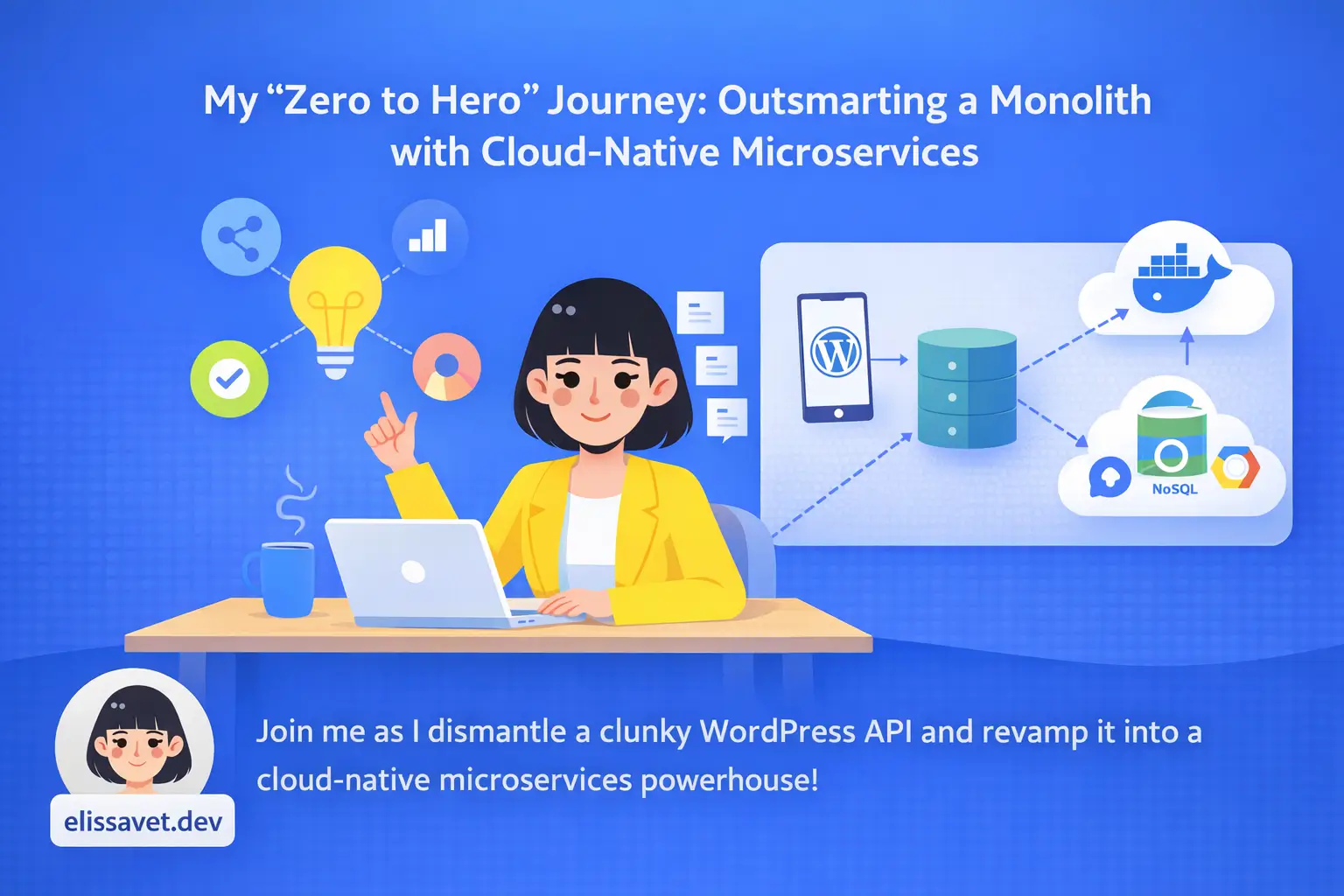
In this post, I want to take you through my “Zero to Hero” journey – how I dismantled a WordPress-based API, containerized the logic, moved the data to NoSQL, and automated the entire deployment process on Google Cloud Platform (GCP).
Whether you’re a junior developer curious about the cloud or just someone who loves a good refactoring story, grab a coffee. Let’s dive in!
1. The Starting Point: A Monolithic Nightmare
The original application, a “Virtual Pet” game, was functional but architecturally suffocating. It was built using the tools I knew best at the time: a custom PHP plugin sitting on top of a WordPress installation, served via traditional shared hosting.
While WordPress is fantastic for content management, using it as a backend API for a dynamic game introduced severe technical debt:
- The EAV Bottleneck: WordPress stores custom metadata using the Entity-Attribute-Value (EAV) model in the
wp_postmetatable. To fetch a single game event (like a “Stormy Night” affecting the pet’s health and hunger), the database had to execute expensive SQLJOINoperations. - Terrible Latency: Loading the entire WordPress core just to serve a lightweight JSON response resulted in an average API latency of around 400ms. In the gaming world, that’s an eternity.
- The DevOps Dark Ages: There was no Version Control or CI/CD pipeline. Deployments meant dragging and dropping files via FTP. One wrong overwrite, and the production environment would break.
It was time to tear it down and build it right.
2. The Breakup: Decoupling with Microservices
The first step was to ditch the monolith. I decided to separate the logic into two completely autonomous microservices.
The Backend: FastAPI & Python
I replaced the bulky PHP backend with FastAPI. Why? Because it’s incredibly fast, supports asynchronous programming out of the box (via the ASGI standard), and automatically generates OpenAPI documentation.
# A snippet of the new async, lightweight backend
@app.get("/v1/event")
@limiter.limit("25/minute")
async def get_event(request: Request, lang: str = Query("en")):
    # ... logic to fetch and return the event instantly
The Frontend: React & Vite
The user interface was rebuilt as a Single Page Application (SPA) using React and Vite, entirely detached from the backend logic.
Containerization with Docker
To ensure the famous “it works on my machine“ phrase never haunted me again, I containerized both services. I used a python:3.10-slim image for the backend to keep the attack surface and size minimal. For the frontend, I utilized a multi-stage build: compiling the Node.js app in the first stage and serving the static files via a blazing-fast Nginx server in the second.
3. Data Engineering: Saying Goodbye to SQL Joins
If the application was going to scale globally, MySQL had to go. I migrated the data to Google Cloud Firestore, a serverless NoSQL document database.
This required a complete mindset shift in data modeling. Instead of normalizing data across multiple tables, I embraced denormalization. I packed all the necessary data – including English, Greek, and Japanese translations for internationalization (i18n) – into a single JSON document.
{
  "id": "fallen-tree",
  "translations": {
    "en": { "title": "Fallen Tree", "description": "A branch fell nearby..." },
    "el": { "title": "Πεσμένο Δέντρο", "description": "Ένα κλαδί έπεσε κοντά..." }
  },
  "impact": { "health": -8, "hunger": 0, "happiness": -8 }
}
The result? Fetching an event now requires exactly one read operation. No joins, no overhead, just instant data retrieval.
4. Taking it to the Cloud: Serverless & Automation
With the code neatly packed in Docker containers, it was time to deploy. I chose Google Cloud Run, a fully managed serverless execution environment.
Cloud Run is magic for startups and personal projects because of its Scale-to-Zero capability. If no one is playing the game, the number of active container instances drops to zero, meaning I pay absolutely nothing for idle time.
Automating the Flow (CI/CD)
Remember the manual FTP uploads? I replaced them with a robust CI/CD pipeline using Google Cloud Build.
I wrote a cloudbuild.yaml configuration that automatically triggers every time I push code to the main branch of my private GitHub repository. The pipeline automatically:
- Builds the Docker images.
- Pushes them to the Google Artifact Registry.
- Deploys the new containers to Cloud Run, injecting the necessary environment variables dynamically.
Now, deploying to production is as simple as git push.
5. The Results: Numbers Don’t Lie
Before popping the champagne, I had to prove the new architecture could handle the heat. I used Locust, an open-source load-testing tool in Python, to simulate traffic.
The results were staggering:
- Latency: The average response time plummeted from 400ms down to a median of 63ms in production (and an astonishing ~6ms in local baseline tests).
- Resilience: I implemented application-side rate limiting (using
slowapion the backend and Nginx configurations on the frontend). When I simulated a DDoS attack (bombarding the API with over 10,000 requests), the system gracefully rejected 94% of the malicious traffic, returning429 Too Many Requestsor503 Service Unavailable, protecting both the server and my billing account.
Conclusion
Transforming this monolithic application into a cloud-native microservices architecture was one of the most challenging, yet rewarding, projects of my M.Sc. journey. It taught me that cloud engineering isn’t just about using fancy buzzwords; it’s about making strategic decisions regarding decoupling, cost optimization, and automation.
Much like learning to separate work from rest, learning to separate a frontend from a backend – and a database from a server – brings clarity, resilience, and peace of mind.
Have you ever tackled a monolith-to-microservices migration? What was your biggest hurdle? Let’s connect on LinkedIn or drop me a comment bellow. I’d love to hear your tech stories!
Keep coding, keep building, and remember to take a break!
Leave a Reply